April 20, 2026      Applications      9682

Tired of struggling with Blender just to add textures to your 3D models? Mechanical engineer Stefan Hermann (of CNC Kitchen) has launched a free browser-based tool called BumpMesh.

No downloads, no registration required – just open the webpage and start using it!
This tool was built using "vibe coding" (using AI to quickly generate code). The original goal was to make it easy to add different textures to specific parts of a model without buying expensive software. While slicer software has "fuzzy skin" features and Blender can also handle texturing, the former doesn’t provide enough grip, and the latter has a steep learning curve – even for a mechanical engineer.
The advantages of BumpMesh are clear: besides hiding annoying seam lines, it makes models look better (e.g., terrain models) and can even enhance structural strength through specific texture combinations.

How to use it?

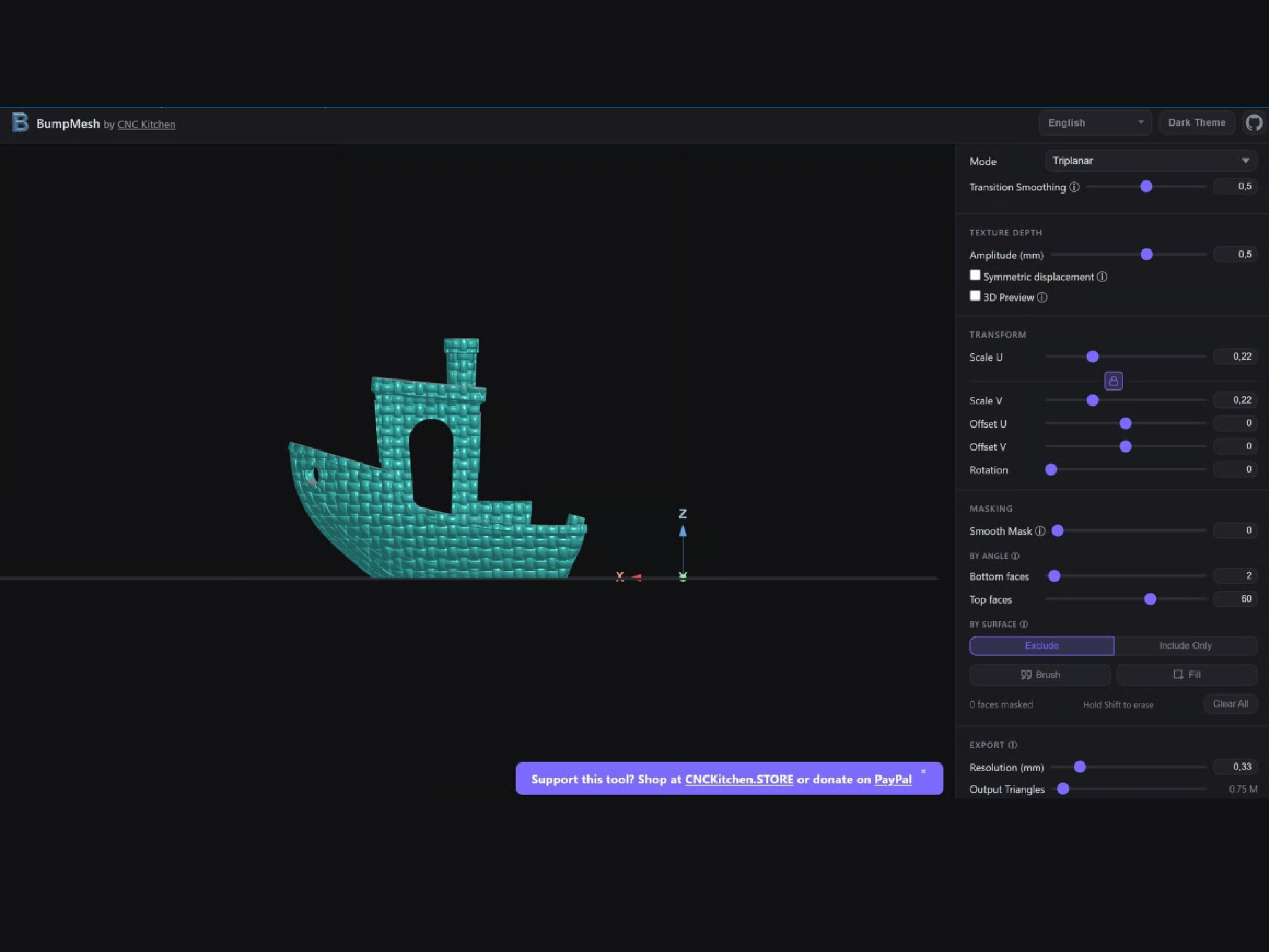
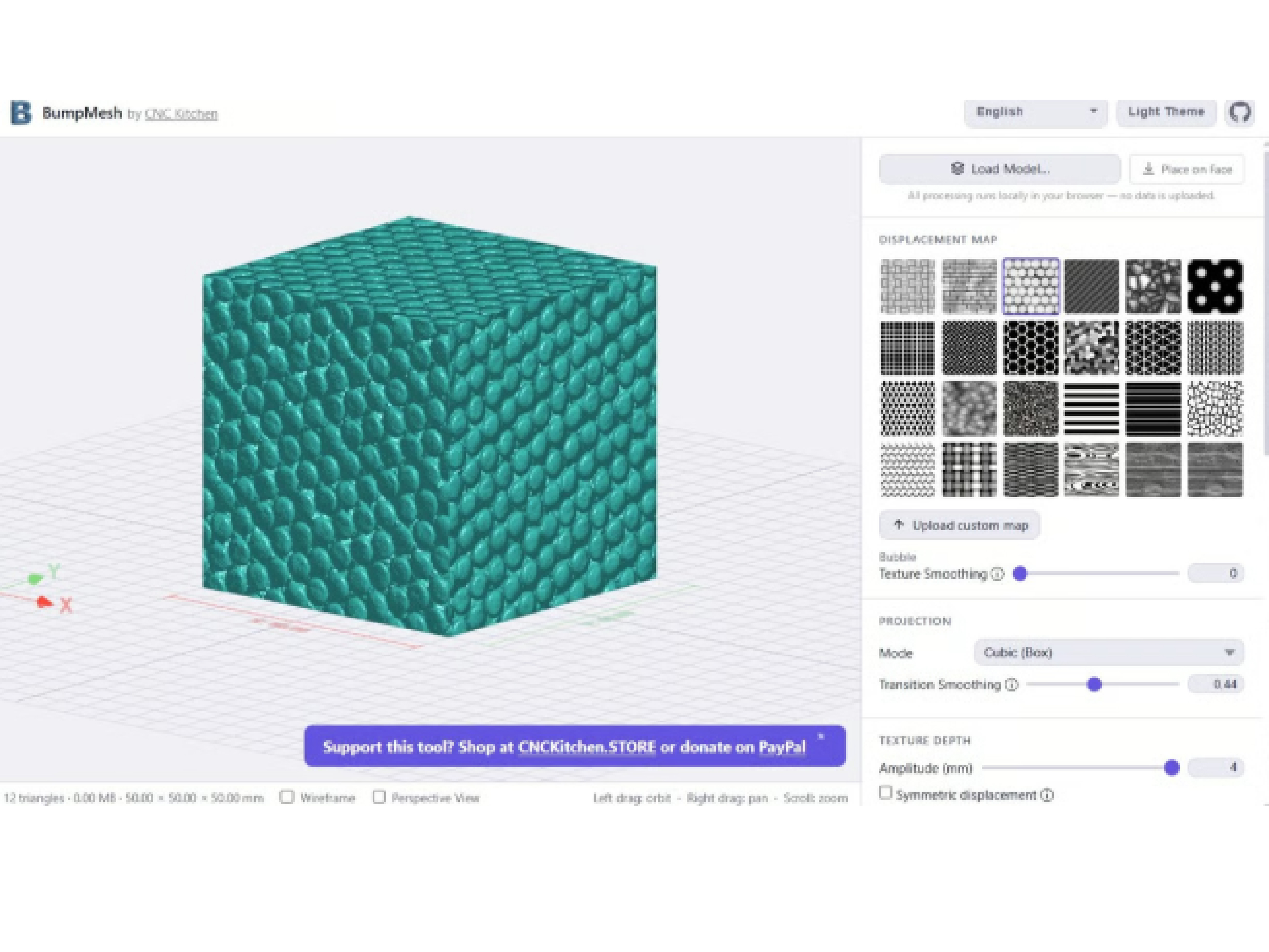
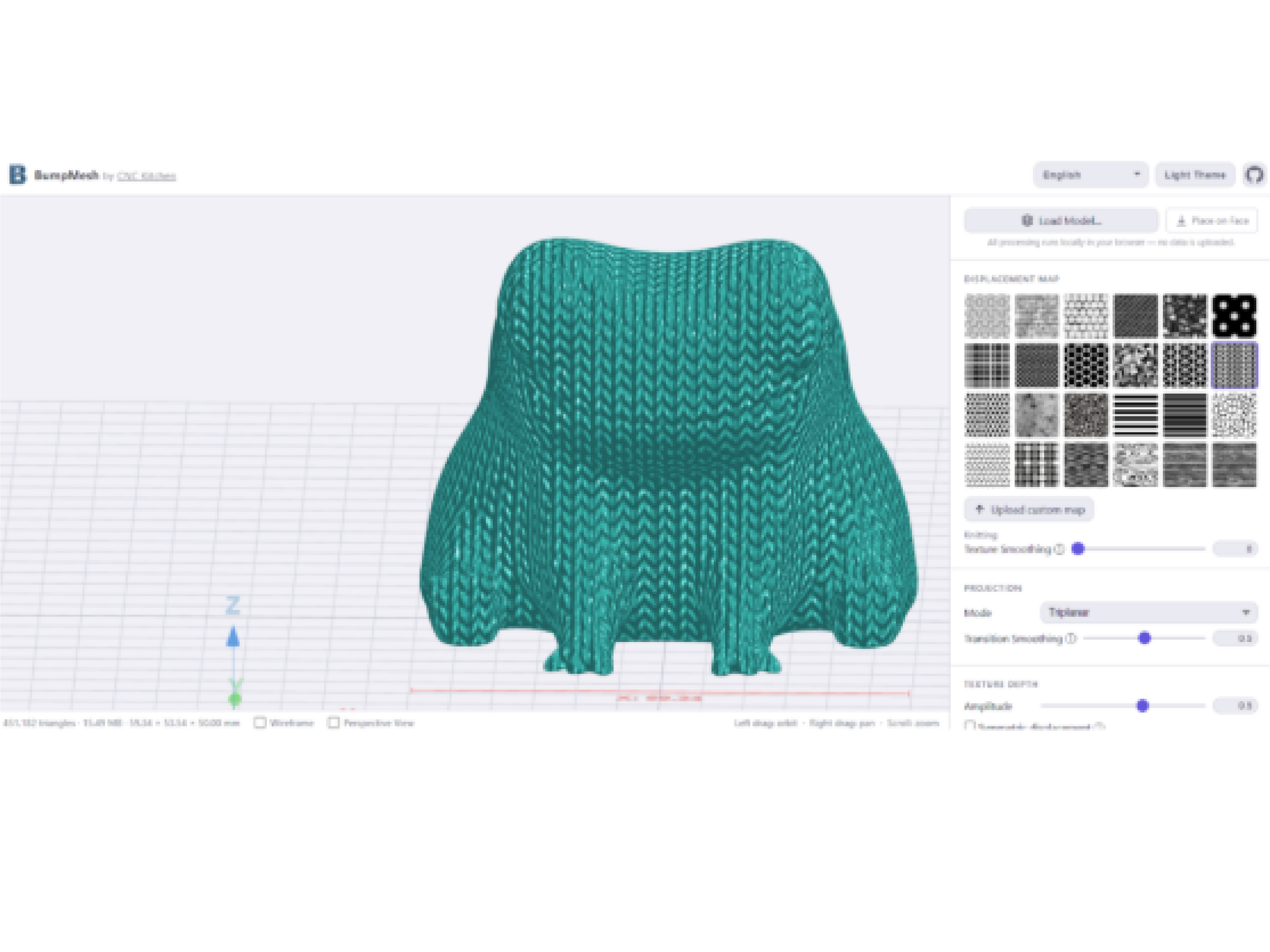
Go to bumpmesh.com, where you can switch between languages (actually English/German, with a clean interface). Import STL, OBJ, or 3MF files, then use the "Place on Face" button to adjust orientation. There are 24 built‑in textures, and you can also upload your own images. The "Projection Mode" controls how the texture wraps around the model, which is especially important for irregular shapes.
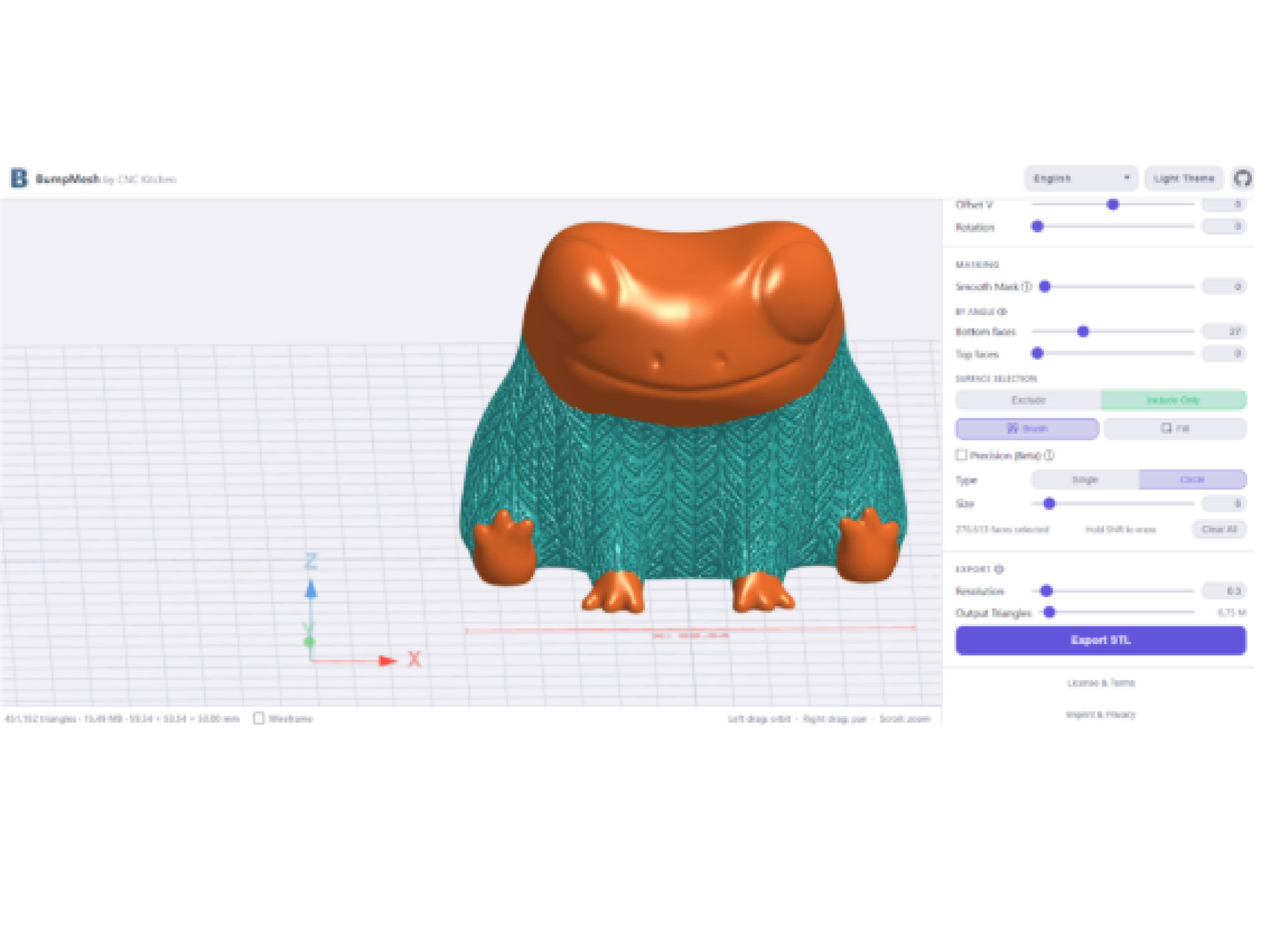
Want to add texture only to certain areas? Select "Include Only" and then use the "Paint" or "Fill" tool to apply it to the faces you want. You can also smooth, deepen, scale, offset, and rotate the texture – very flexible.
One small drawback: to add multiple different textures to the same model, you currently need to add one → export the STL → re‑import it → add the next one, repeating the process several times. Stefan says he’s working on improving this, but for now, it’s the only real downside worth mentioning.
The good news: BumpMesh is open‑source and even allows commercial use. The code is already on GitHub. If you’re interested, go give it a try!


©2025 3dptimes.com All Rights Reserved